Your church website,
built and cared for by us
Pick a design, and the Oliveline team takes care of everything from the first draft to connecting your church's domain.
Four steps from request to launch
- 1Request
Leave your church name, contact details and a design you like.
- 2Draft
We make a draft with your church's photos and words and show it to you.
- 3Refine
Tell us what you'd like changed, and we'll work on it together until it's final.
- 4Launch
We connect it to your church's domain and open the doors.
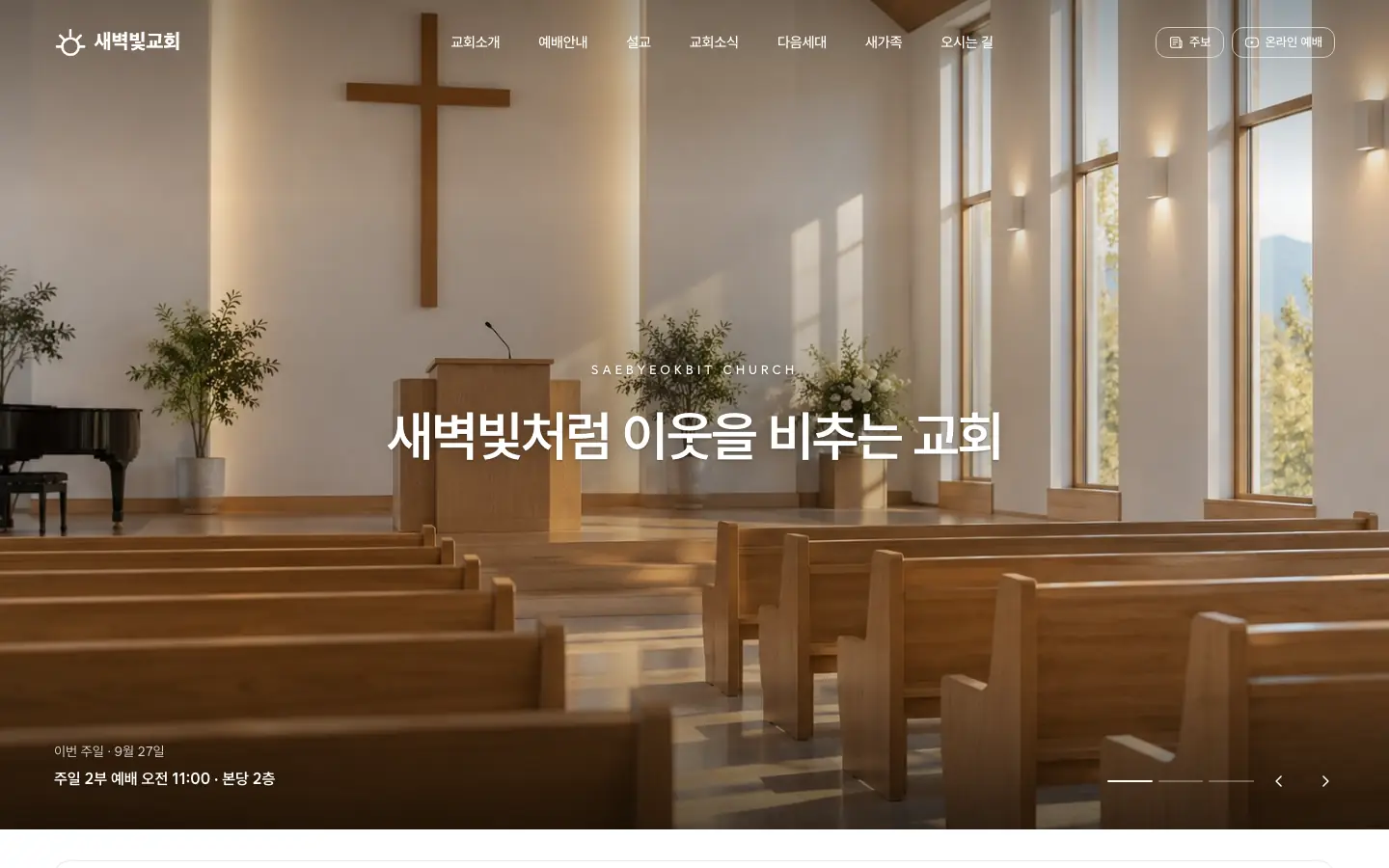
10 designs
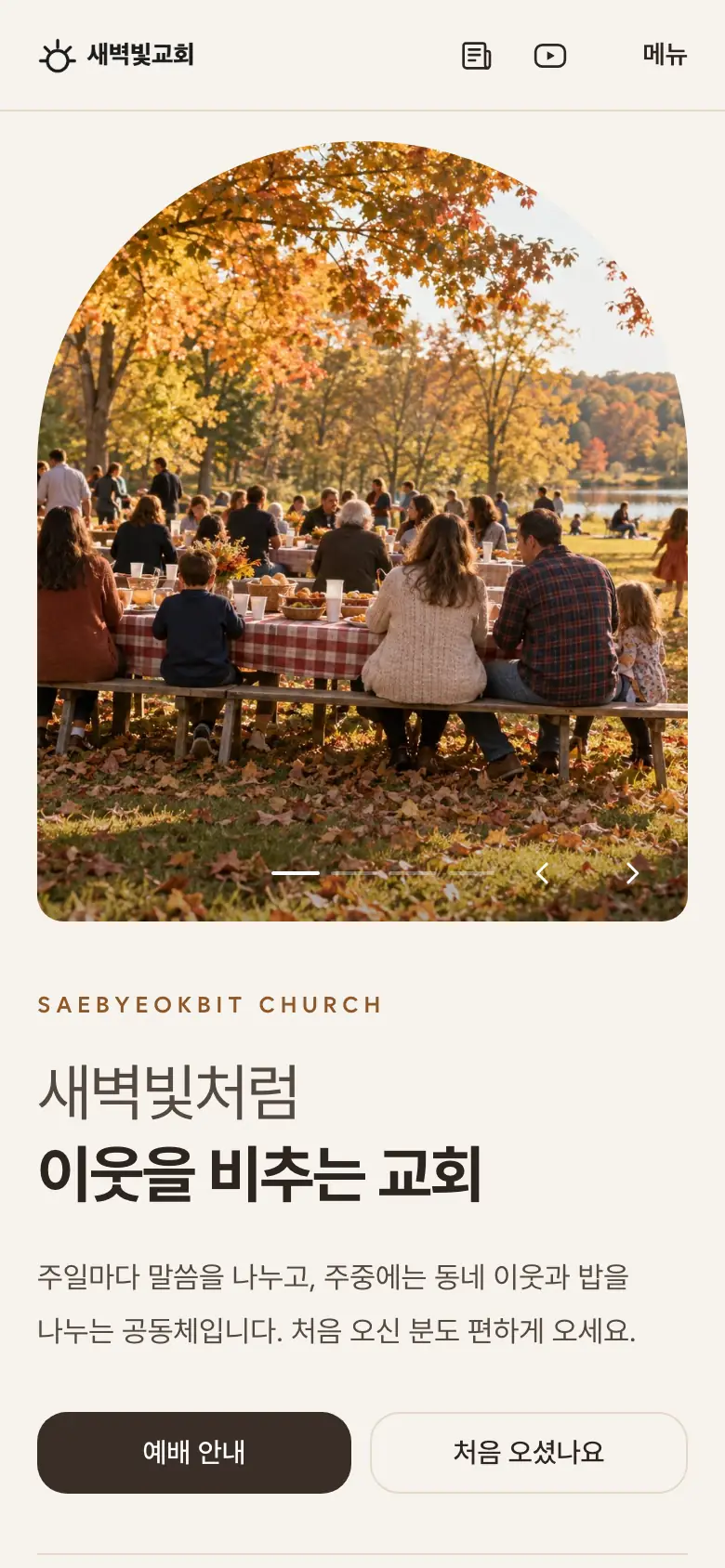
The screens are examples filled with a fictional church. We build your draft by putting your church's photos and words into the design you choose.
- 01Haven
Quiet, with one large photo and plenty of space
- 02Quill
Clear and bold, like a magazine
- 03Nocturne
Photos with depth on a dark background
- 04Atrium
Menus and news at a glance
- 05Ember
Sand-toned warmth and rounded photos
- 06Logos
A single verse of Scripture takes center stage
- 07Bento
Sermons, bulletins and news in neat tiles
- 09Chronicle
Your church's story and journey, in order
- 10Commons
People and neighborhood photos first
- 11Lineup
Numbered sections, like an order of worship
Two ways to make changes
- Your church can edit news, sermons and photos and post them right away.
- Send us your church introduction, photos and service times.
- We take care of the design, page structure and connecting your domain.
- Send us what needs changing, and the Oliveline team will make the edits for you.
Open it at your church's domain
You connect your church's address on the 'Website › Domain' screen in Oliveline. You can turn the setup steps for your domain provider into a link and send it to whoever manages your domain.
If you don't have a domain yetYour finished website shows up in search
Drafts stay out of search results. Once you approve the final version, we prepare it for search and publish it.
Frequently asked questions
How much does it cost?
Do I have to choose one of these designs?
Can you move content from our current website?
We don't have a domain.
Will our website show up in search?
Found a design you like?
Start with a draft
Just leave your church name and contact details, and someone from our team will get in touch.